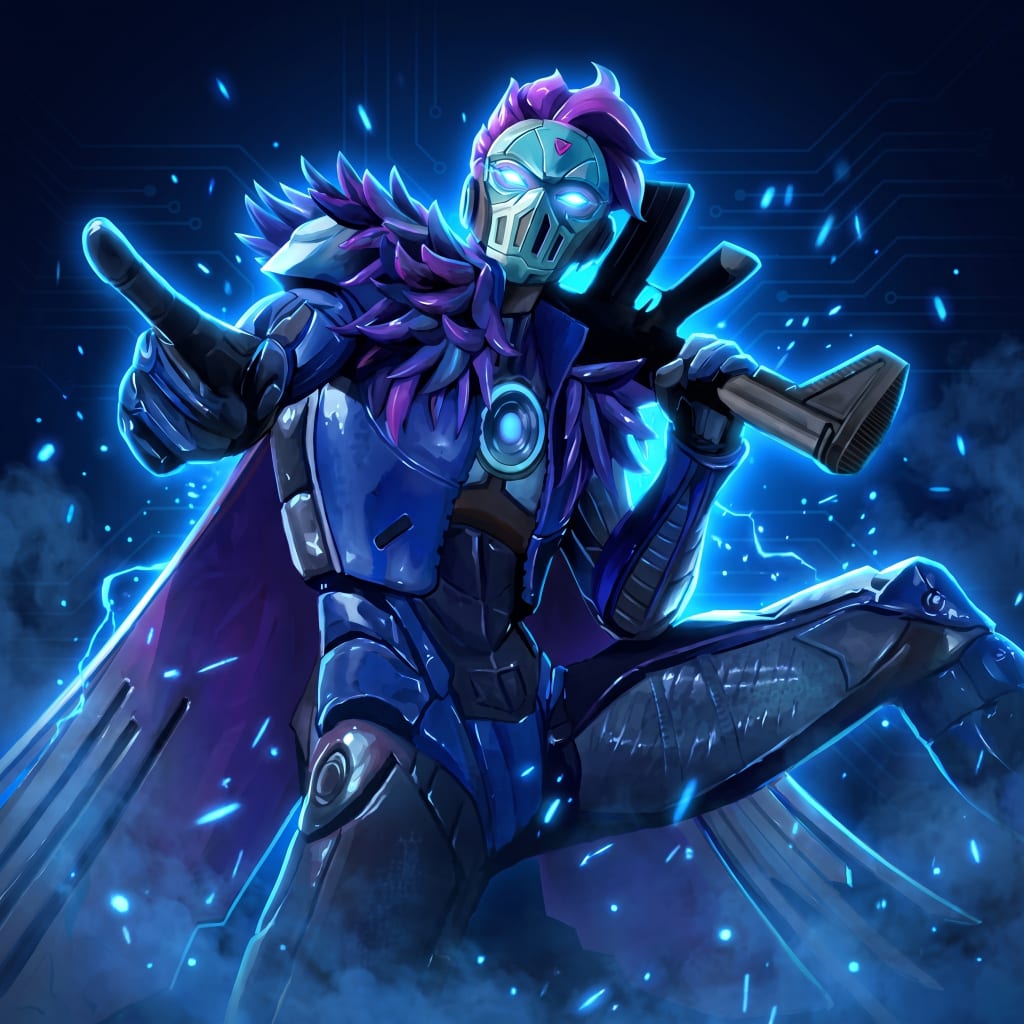
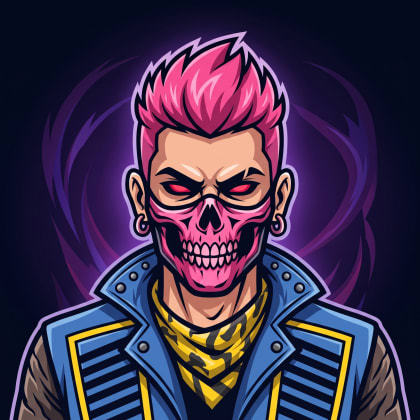
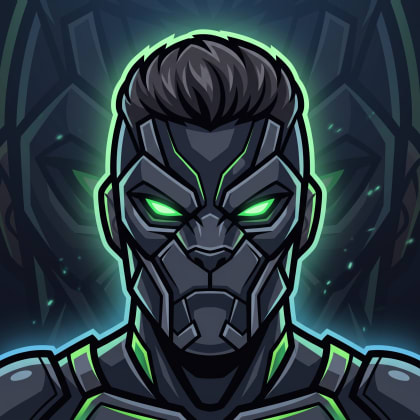
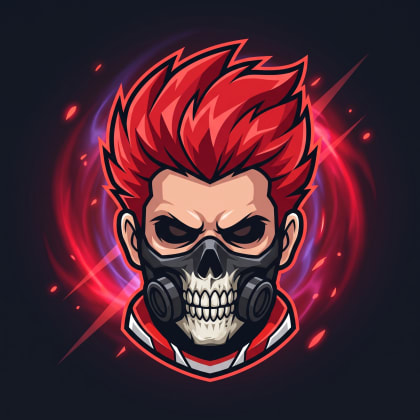
Artwork & Electric Blue & Icy Silver Palette Breakdown
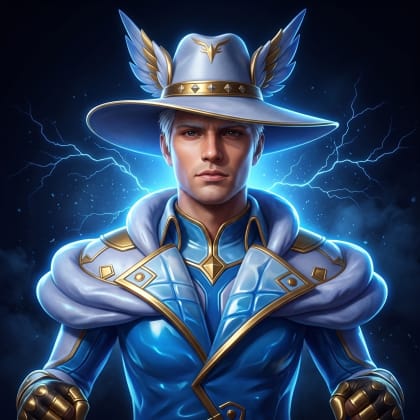
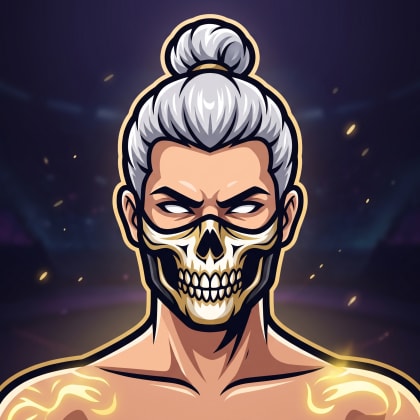
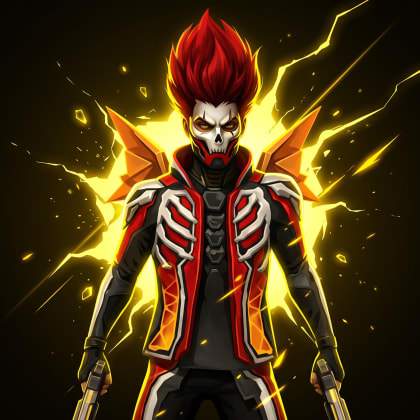
Focused around weapon-ready tactical posing built for rushers and sharpshooters combined with symmetrical mascot silhouette built for competitive clan shields, this Skull Mascot composition keeps strong center weight so important details stay visible even when shrunk down to 64 px game lobby icons or Discord server badges.
Built with electric blue & icy silver palette, the artwork keeps edge silhouettes sharp on both light social feeds and dark gaming lobbies. When adding your own guild or creator name in Studio Editor, pure white or cool silver-cyan lettering trimmed in deep navy stroke produces the highest legibility without muddying the background glow.
Recommended Placements
- BGMI & PUBG Mobile clan badges and custom scrim roster avatars
- Discord squad server icons and tournament bracket thumbnails
- Esports Player Gamer Card badges (/card) paired with sniper/IGL role tags
- 1-click Transparent PNG cutouts for YouTube montage intros and jersey prints
Recommended Fonts (Teko) & Transparent PNG Guide
Open Blue Armor Skull Mask Warrior directly in the browser Studio Editor to replace the blank lower space with your team name using Teko or Russo One. Limit main clan tags to 3–6 bold uppercase letters so they stay legible inside BGMI and PUBG lobby circles. Optional metallic clan brackets (e.g. [IND] or 『OP』) reinforce the tactical squad badge feel.
Short 3-to-5 character IGNs work best below the weapon barrel so trigger hand and muzzle glow stay visible. Need a clean cutout for YouTube thumbnails, OBS overlays, or jersey mockups? Toggle the built-in AI Background Remover inside Studio to strip the backdrop in your browser and save a 1080p or 2048x2048 Transparent PNG without uploading files to external servers.
Explore BGMI tactical emblem specs, transparent PNG export steps, and squad starter badges on the PUBG Clan Emblem hub. Also check PUBG & BGMI Clan Emblem Tournament Guide or pair with our Esports Gamer Card Maker.