STEP 01
Pick Rim-Lit Silhouettes
Pure near-black photos turn blurry on WhatsApp thumbnails. Choose dark PFPs with thin white, cyan, or crimson rim light tracing the hood or face.
Dark Mode Avatar Hub · WhatsApp & Discord
Built specifically for dark-mode interfaces without washed-out compression blocks. Compare tonal contrast setups for WhatsApp DP, Discord profiles, and OLED screens across moody 2K dark avatars.
STEP 01
Pure near-black photos turn blurry on WhatsApp thumbnails. Choose dark PFPs with thin white, cyan, or crimson rim light tracing the hood or face.
STEP 02
Starting from native 2048x2048 downloads keeps dark gradient transitions clean when Discord or Instagram downscales the image.
STEP 03
Center the eyes slightly above horizontal center so WhatsApp DP crops keep strong presence without slicing top head framing.
| Setting | Recommended Value | Why It Matters |
|---|---|---|
| Export Resolution | 2048x2048 px (2K) | Maintains deep blacks and crisp shadow details. |
| Discord Dark Sidebar | 32x32 px Icon View | Bright rim accents keep small icons clearly defined. |
| WhatsApp DP Preview | Circular Mask | 78% central safe zone protects key facial outlines. |
Clean dark-mode picks from our Dark PFP archive.
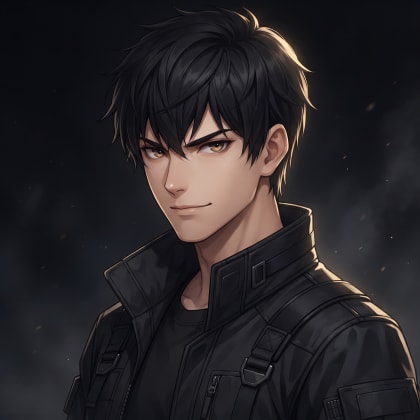
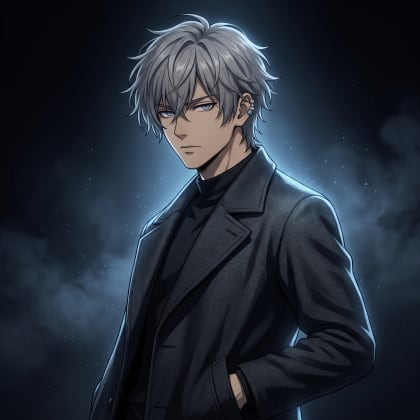
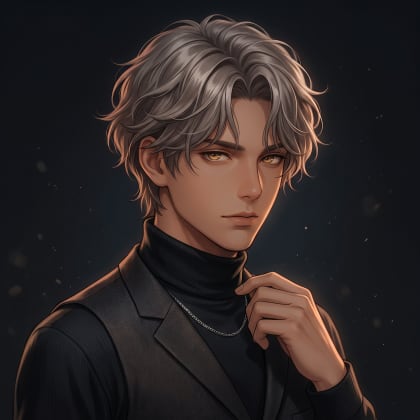
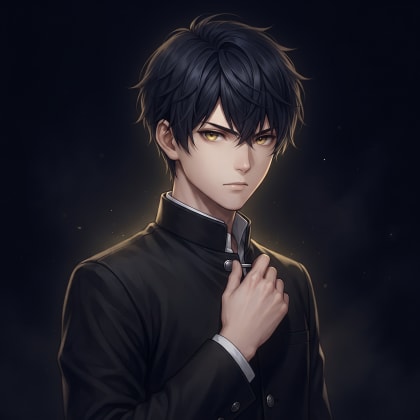
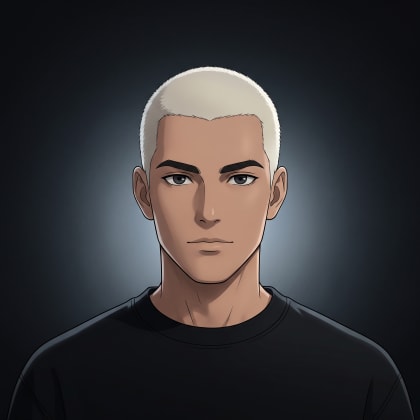
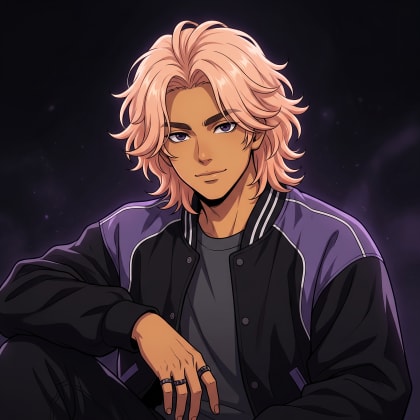
Discord Dark and Midnight themes pair naturally with dark aesthetic profile pictures. High-contrast shadowy silhouettes and subtle rim lighting eliminate harsh bright squares while staying sharp on mobile screens.
Every dark PFP on TheLogoBase saves at 2048x2048 px (2K), preventing muddy dark-gradient banding when messaging apps re-compress your profile photo.
Download your favorite 2K dark portrait, open Discord User Settings > Profiles > Change Avatar, upload the image inside the center ring, and save.