STEP 01
Start From a Text-Free Character Emblem
Every mascot ships with zero baked-in watermark or fake team name—such as glowing clown masks, bunny fighters, skull bandanas, and F-cap heroes.
Browser Guild Tool · Free Fire Logo Maker Studio
Turn any blank Free Fire character emblem into a custom guild badge in under 60 seconds. Type your squad tag on our HTML5 canvas, pick thick gaming fonts with dark contrast strokes, preview circular crops, and export 1080p or 2K PNGs free.
STEP 01
Every mascot ships with zero baked-in watermark or fake team name—such as glowing clown masks, bunny fighters, skull bandanas, and F-cap heroes.
STEP 02
Use 3 to 6 uppercase letters in bold geometric fonts like Russo One or Teko with a dark stroke border so your clan tag stays crisp in lobby lists.
STEP 03
Check circular alignment right inside Studio, optionally hit Remove BG for a transparent sticker cutout, and save your 2048x2048 PNG instantly.
| Setting | Recommended Value | Why It Matters |
|---|---|---|
| Recommended Tag Length | 3–6 Characters | Avoids tiny text squeeze inside lobby thumbnails. |
| Best Guild Fonts | Russo One / Teko / Bebas Neue | Bold blocky shapes read cleanly on small phone screens. |
| Studio Output Format | 1080p / 2048px PNG | Supports solid backdrop or 1-click AI Transparent PNG. |
| Price & Watermark | 100% Free · Zero Watermark | Runs locally in browser with no account required. |
6 quick-start Free Fire emblems — launch directly into /editor with your chosen character loaded.
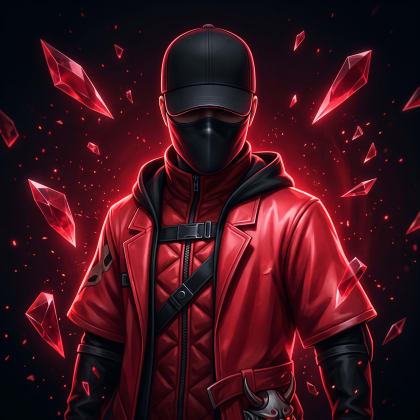
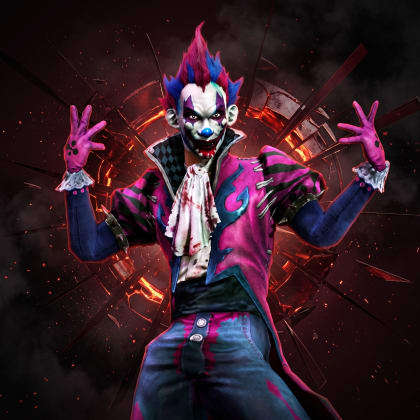
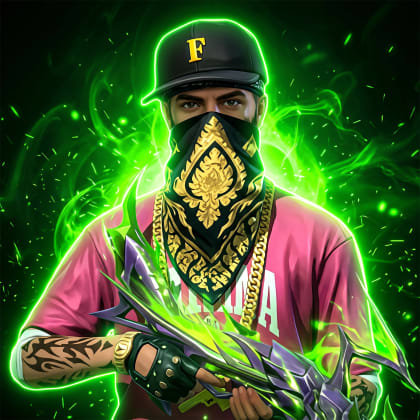
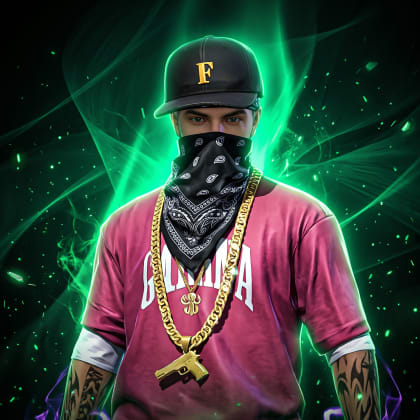
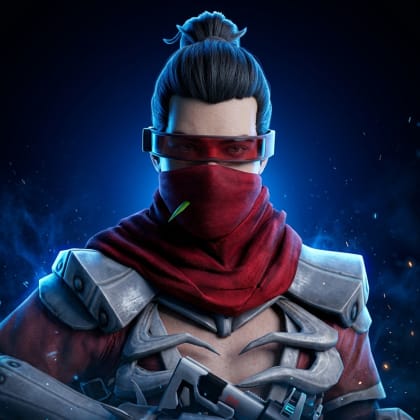
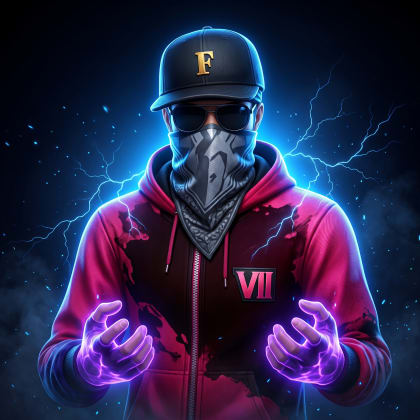
Pick any starter Free Fire mascot below or browse the full Free Fire gallery, click Customize in Studio, type your guild name or clan tag, choose an esports font and outline glow, and export your 1080p or 2K PNG file with zero watermarks.
Yes. The built-in Studio Editor lets you customize your main guild name, subtitle (such as ESPORTS or GUILD LVL 4), font styles, letter spacing, gradient fills, and thick dark outlines.
Free Fire guild badges display in a 1:1 square container. Direct downloads are 2048x2048 px (2K) JPGs, while Studio Editor exports crisp 1080p or 2048x2048 PNG files that stay clear in lobbies and YouTube thumbnails.
Studio Editor saves customized logos with your guild name as high-resolution PNG files—and includes a 1-click local AI Background Remover if you want a Transparent PNG.