Clan Logos · 5 min read · Updated November 16, 2026
Free Fire Guild & Clan Logo Guide: Safe Sizes, Fonts & Contrast
Fix clipped guild tags, muddy colors, and blurry small avatars when uploading your Free Fire clan logo to Discord, YouTube, or tournament brackets.
By TheLogoBase Team · [email protected]
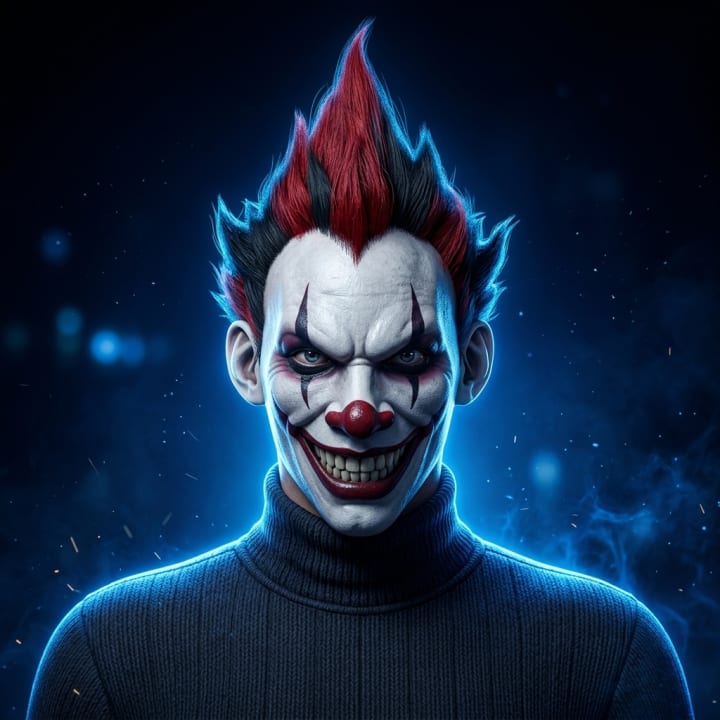
Why Wide Clan Names Get Cut Off in Small Avatars
Most players design a 1080 x 1080 logo zoomed in full-screen on their phone, then upload it to Discord, YouTube, or a scrim table and immediately see the outer letters chopped off. Circular profile masks hide roughly a fifth of a square canvas along the four corners.
Keep both your mascot helmet and your clan letters inside the center 78% of the canvas. If you put a 9-letter squad name straight across the bottom edge, the first and last letters will disappear inside every circular avatar preview.
- Shorten long squad names to 3 to 6 uppercase letters (for example, APEX, VEX, or RIFT) whenever the logo is going into small profile icons.
- Avoid stacking two rows of heavy Unicode symbols like ꧁༒ ༒꧂ on small emblems; stick to one clean marker such as 亗 or 『 』.
- Zoom your phone screen out until the emblem looks thumbnail-sized. If you can still read the tag clearly, it will hold up in Discord and tournament lobbies.
Picking Colors That Do Not Turn Muddy on Dark Lobbies
Free Fire custom rooms, YouTube dark mode, and Discord sidebars all sit on dark charcoal or midnight-blue backgrounds. When a dark red mascot sits on a dark grey backdrop with no edge highlight, the silhouette disappears on low-brightness phones.
Look for single-character mascots framed with bright rim lighting (molten gold, neon cyan, or crisp white highlights around the helmet or jaw). A clean dark background behind a bright-edged character stays legible even at 64 px on a stream points table.
Best Fonts Inside the Studio Editor for Guild Tags
Open any Free Fire emblem in our browser Editor (/editor) and test fonts based on where the logo will live. For small Discord or YouTube channel icons, Russo One, Teko, Bebas Neue, and Black Ops One keep every letter thick and readable.
Save decorative fonts like Shojumaru, Nosifer, or Rubik Glitch for larger banners or full-size IGN badges where drip and blade details actually have room to show. Add a solid dark stroke around the letters and keep neon glow subtle so the glow does not bleed into surrounding letters.
Free Fire Clan Emblem Sizing & Font Reference
| Setting | Recommended | Why It Matters |
|---|---|---|
| Aspect Ratio | 1:1 Square | Matches Discord server icons, YouTube channels, and squad cards. |
| Gallery Master Size | 2048 × 2048 px (2K JPG) | Direct 2K JPG download on a finished dark backdrop (no watermarks). |
| Editor Export | 1080p (1K) & 2048px (2K) PNG | Client-side canvas export with custom IGN, dark stroke, or Transparent PNG via Remove BG. |
| Safe Text Area | Inner 78% | Keeps letters clear of Discord, WhatsApp, and YouTube circle masks. |
| Top Readable Fonts | Russo One · Teko · Bebas Neue | Built into /editor; stay clean down to 64 px mobile thumbnails. |