Clan Logos · 5 min read · Updated November 16, 2026
PUBG & BGMI Clan Emblem Design Guide for Scrims & Rosters
Pick tactical squad crests that stay clear on 16-team tournament points tables and match every member on your scrim roster.
By TheLogoBase Team · [email protected]
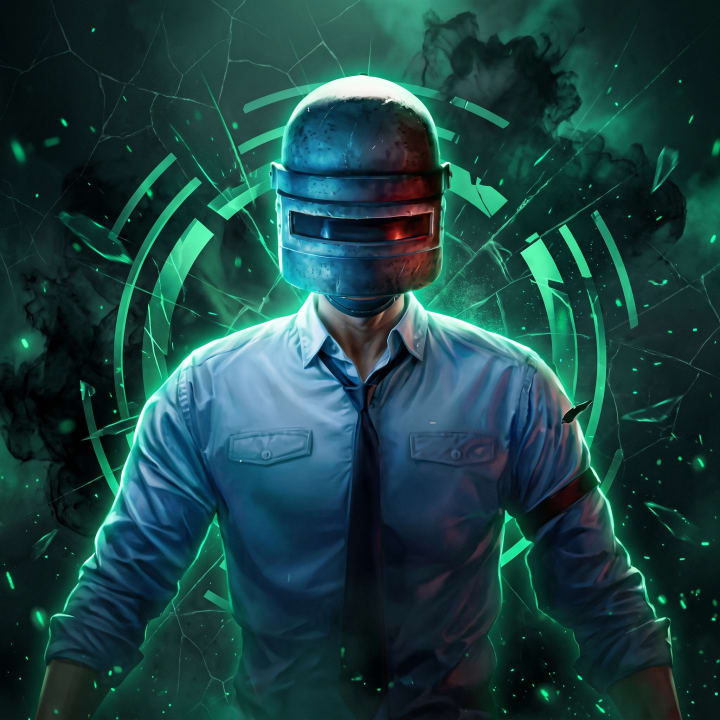
What Actually Shows Up on a 16-Team Scrim Points Table
During live BGMI and PUBG Mobile scrim streams, team emblems sit inside tiny scoreboard rows next to kill counts and placement points. Busy artwork with tiny weapon scopes, flying embers, and thin text shrinks into grey noise at that size.
Shield borders, Level-3 tactical helmets, and bold centered wolves or falcons read instantly at 48 px to 96 px. Pick marks with one clear central shape and strong outer edges.
- Save long clan names for your Discord banner; keep scoreboard icons focused on the mascot or a 2 to 4 letter tag.
- Pick metallic gold, tactical amber, crimson, or ice blue accents over dark slate so the badge stands out on dark caster overlays.
Matching Four Players Across One Tournament Roster
Serious squads use the same clan crest across all four players, then differentiate individual members by role. After setting your squad emblem color and font in /editor, open the Esports Gamer Card Maker (/card) to generate individual player cards.
In /card you can assign the exact shared team logo alongside each member IGN, tactical role (IGL, Sniper, Rusher, Support), primary weapon preference, and tier badge so roster announcements look unified on WhatsApp and Discord.
Placing Your Squad Crest Onto Wide Stream Overlays
All gallery downloads come as 2048×2048 2K JPGs framed on full 1:1 square dark backdrops so they work out of the box as profile avatars. If a caster or editor asks for a cutout crest to drop onto a wide 16:9 roster graphic, run the in-browser AI Background Remover inside /editor to export a Transparent PNG (works sharpest on mascots with clear outer outlines).
PUBG & BGMI Tournament Asset Specs
| Setting | Recommended | Why It Matters |
|---|---|---|
| Points Table Render Size | 48 - 96 px | Bold outer crest lines prevent blur inside broadcast standings tables. |
| Master Logo File | 2048 × 2048 px (2K JPG) | Direct 2K JPG on solid dark backdrop; export Transparent PNG via /editor. |
| Squad Player Cards | Custom PNG via /card | Add IGL, Assaulter, Sniper, and Support tags under one shared crest. |
| Editor Font Picks | Black Ops One · Orbitron · Russo One | Stencil and heavy tactical fonts inside /editor fit military crests best. |