Artwork & Metallic Gold & Amber Highlights Breakdown
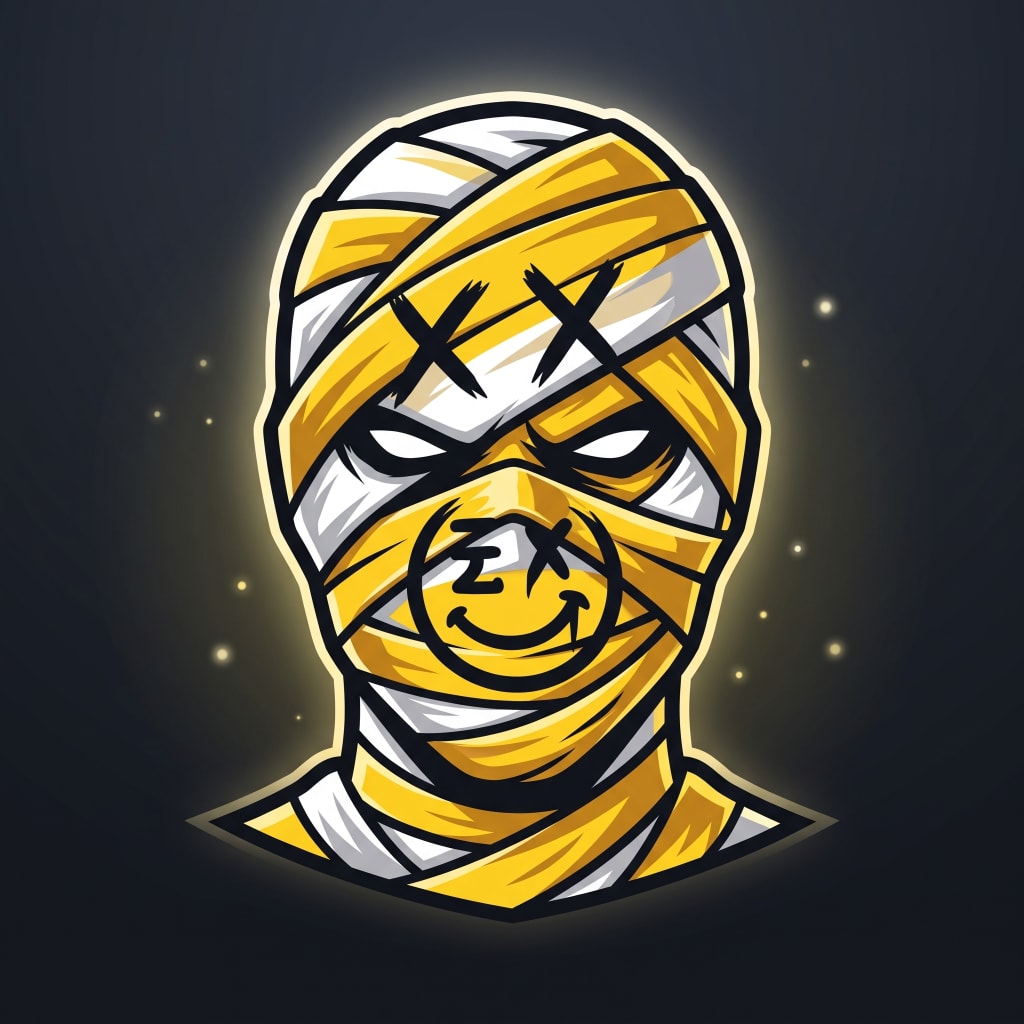
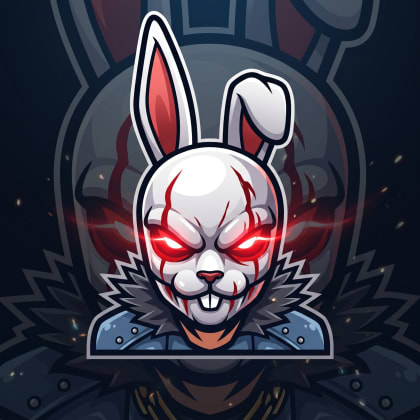
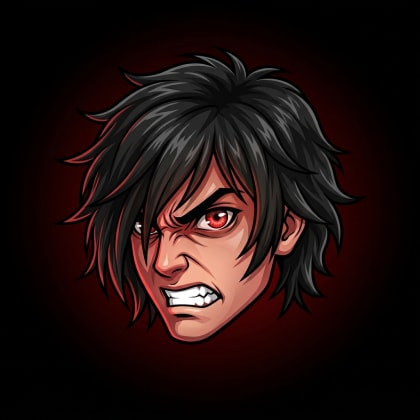
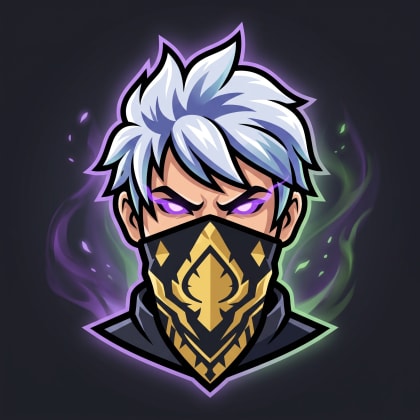
Focused around wrapped mummy or desert warrior detailing with glowing eyes, this Mummy Warrior composition keeps strong center weight so important details stay visible even when shrunk down to 64 px game lobby icons or Discord server badges.
Built with metallic gold & amber highlights, the artwork gives tournament rosters and level-5 guild emblems a sharp metallic badge finish at small phone sizes. When adding your own guild or creator name in Studio Editor, warm champagne-white or metallic gold-gradient text locked inside a thick black stroke produces the highest legibility without muddying the background glow.
Recommended Placements
- BGMI & PUBG Mobile clan badges and custom scrim roster avatars
- Discord squad server icons and tournament bracket thumbnails
- Esports Player Gamer Card badges (/card) paired with sniper/IGL role tags
- 1-click Transparent PNG cutouts for YouTube montage intros and jersey prints
Recommended Fonts (Black Ops One) & Transparent PNG Guide
Open Gold Smiley Mummy Head directly in the browser Studio Editor to replace the blank lower space with your team name using Black Ops One or Russo One. Limit main clan tags to 3–6 bold uppercase letters so they stay legible inside BGMI and PUBG lobby circles. Optional metallic clan brackets (e.g. [IND] or 『OP』) reinforce the tactical squad badge feel.
Leave breathing room around the glowing eye slits by anchoring a compact horizontal nameplate along the bottom border. Need a clean cutout for YouTube thumbnails, OBS overlays, or jersey mockups? Toggle the built-in AI Background Remover inside Studio to strip the backdrop in your browser and save a 1080p or 2048x2048 Transparent PNG without uploading files to external servers.
Explore BGMI tactical emblem specs, transparent PNG export steps, and squad starter badges on the PUBG Clan Emblem hub. Also check PUBG & BGMI Clan Emblem Tournament Guide or pair with our Esports Gamer Card Maker.