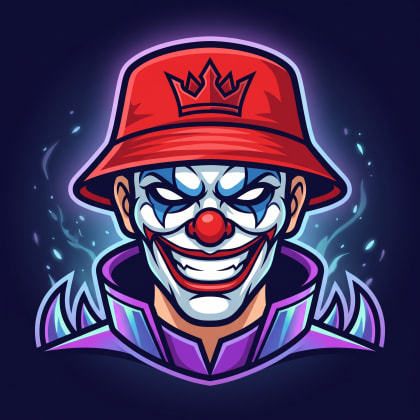
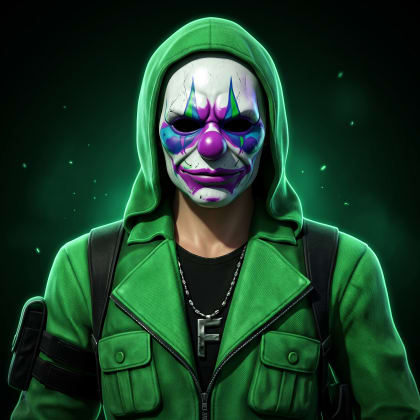
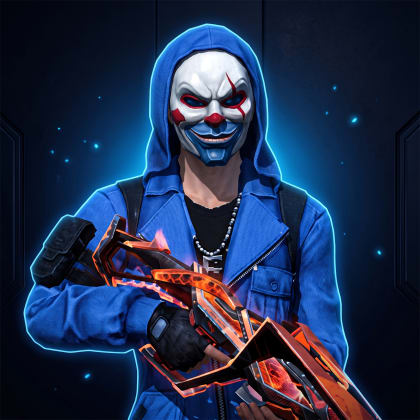
Artwork & Neon Purple & Fiery Orange Palette Breakdown
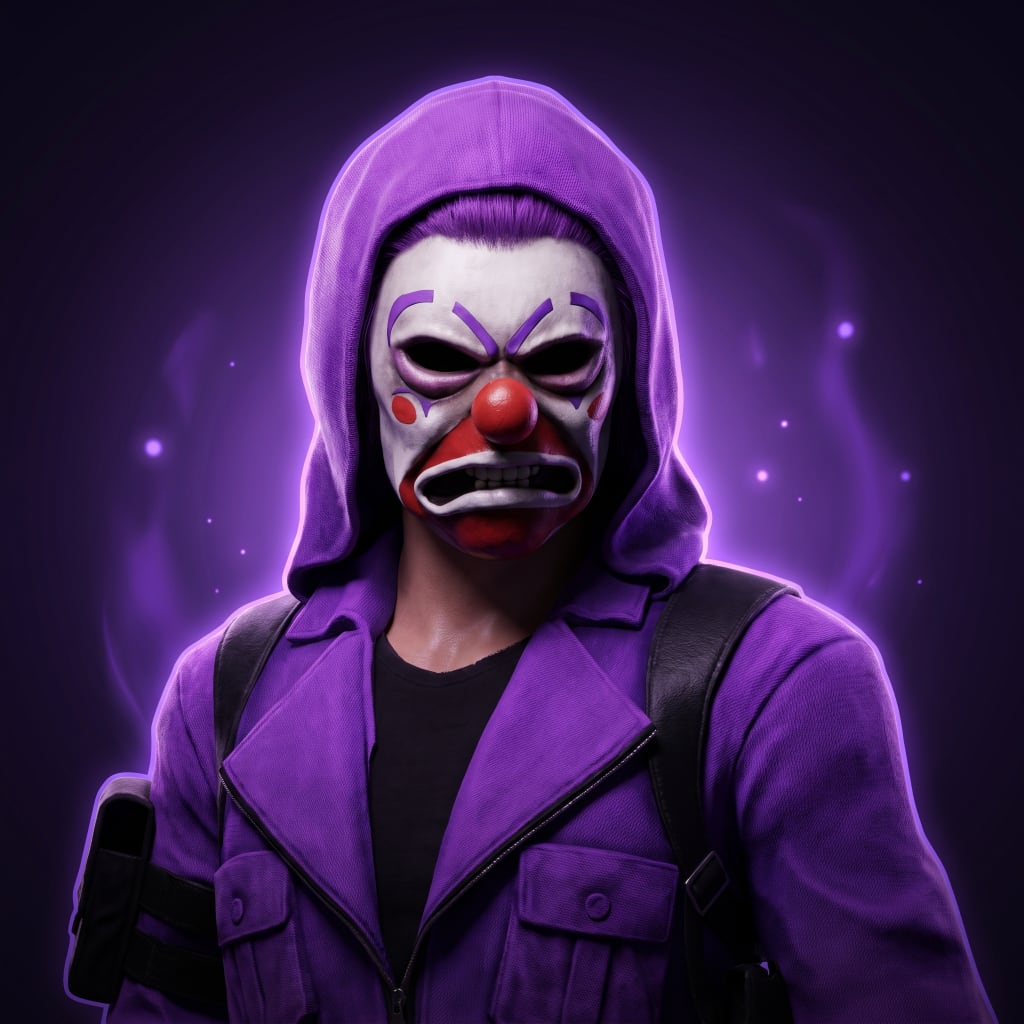
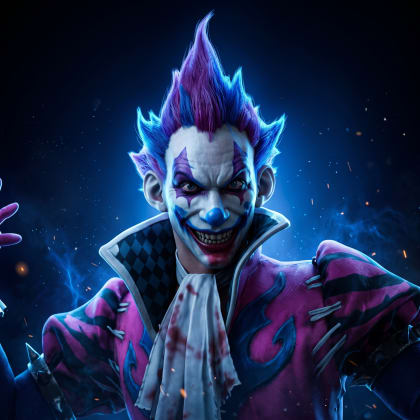
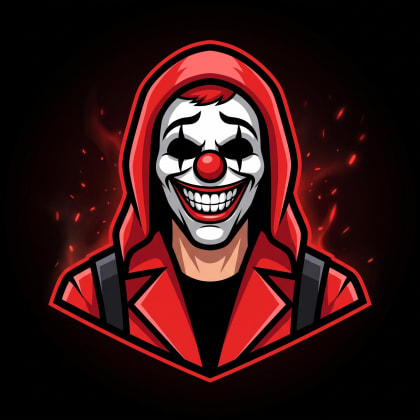
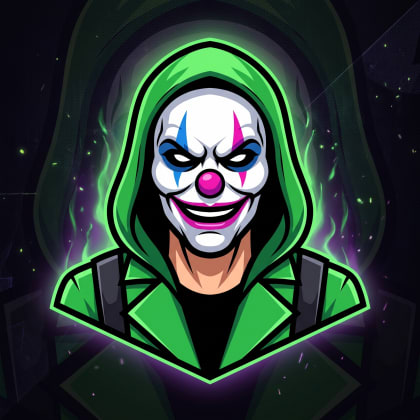
Focused around an expressive clown mask centerpiece combined with layered streetwear hoodie and bandana styling, this Clown Mask composition keeps strong center weight so important details stay visible even when shrunk down to 64 px game lobby icons or Discord server badges.
Built with neon purple & fiery orange palette, the artwork pops clearly against dark stream banners and rush-squad guild cards. When adding your own guild or creator name in Studio Editor, clean pure white or light lilac text framed with a deep black outline produces the highest legibility without muddying the background glow.
Recommended Placements
- Free Fire Guild emblems, clan recruitment banners, and custom room thumbnails
- YouTube Shorts, Booyah highlight covers, and WhatsApp squad group DPs
- Discord gaming servers with live circular crop verification before export
- Custom-named 2K Transparent PNG exports for team jerseys and overlays
Recommended Fonts (Bangers) & Transparent PNG Guide
Open Purple Hoodie Clown Mask directly in the browser Studio Editor to replace the blank lower space with your team name using Bangers or Bebas Neue. Test your clan badge at 50% preview zoom inside the Studio circle ring so Free Fire guild lists show every letter clearly. Guild creators often pair their 4-letter squad tag with clean lightning or crown Unicode dividers.
Keep clan letters centered below the jawline so the painted grin and eye highlights remain uncovered. Need a clean cutout for YouTube thumbnails, OBS overlays, or jersey mockups? Toggle the built-in AI Background Remover inside Studio to strip the backdrop in your browser and save a 1080p or 2048x2048 Transparent PNG without uploading files to external servers.
Compare starter bases and step-by-step guild badge sizing rules in our dedicated Free Fire Clan Logo Maker. Also check Free Fire Guild Logo Size & Font Guide or pair with our Esports Gamer Card Maker.