Artwork & Neon Green & Shadow Contrast Breakdown
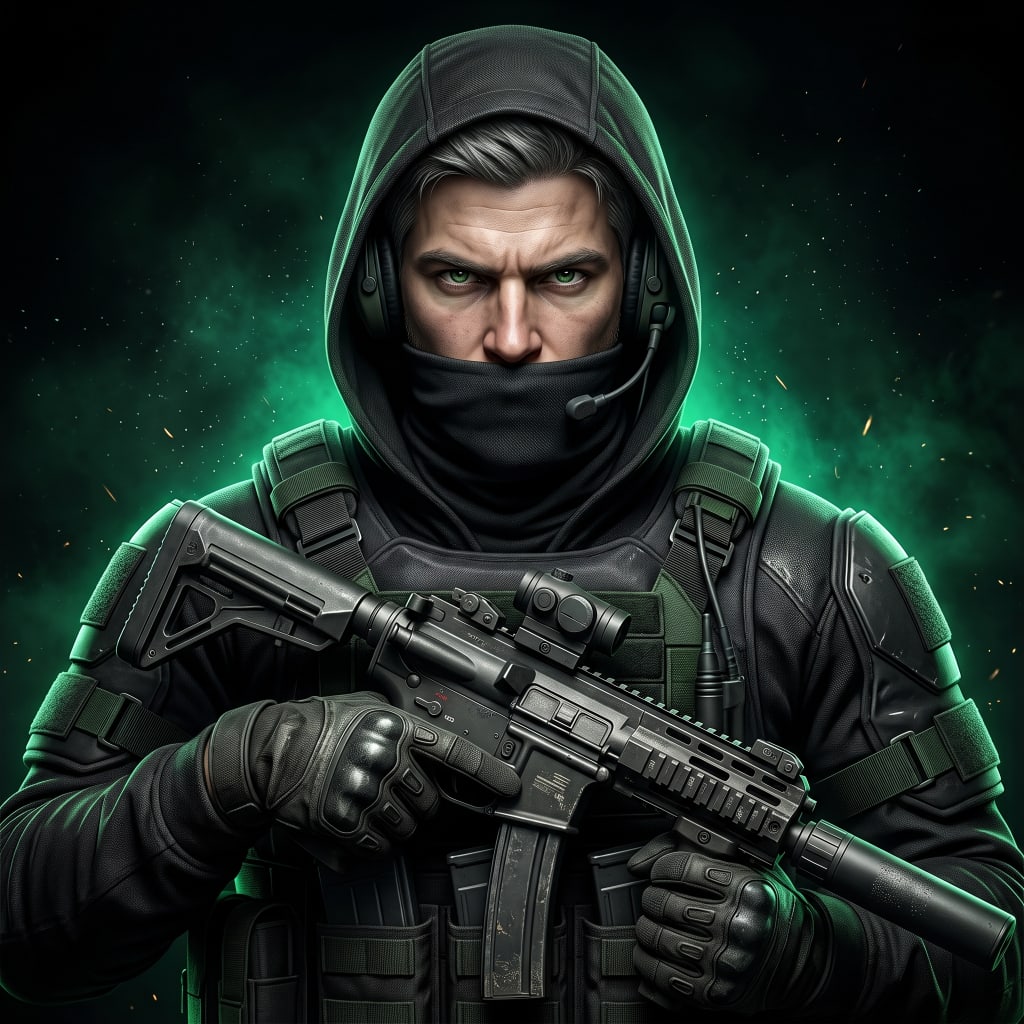
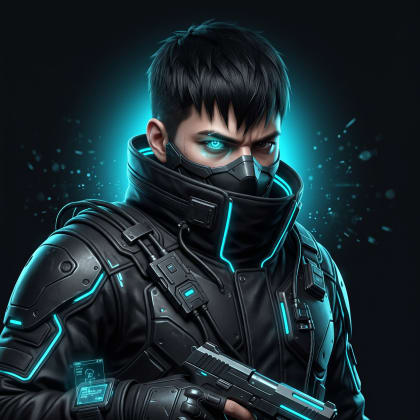
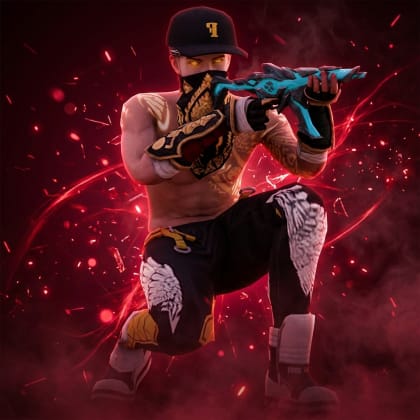
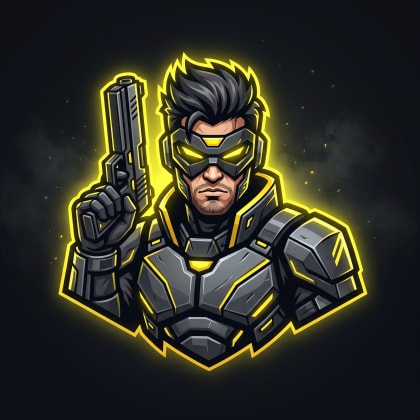
Focused around weapon-ready tactical posing built for rushers and sharpshooters combined with layered streetwear hoodie and bandana styling, this Gunner composition keeps strong center weight so important details stay visible even when shrunk down to 64 px game lobby icons or Discord server badges.
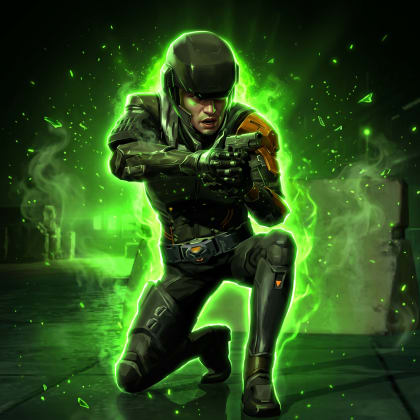
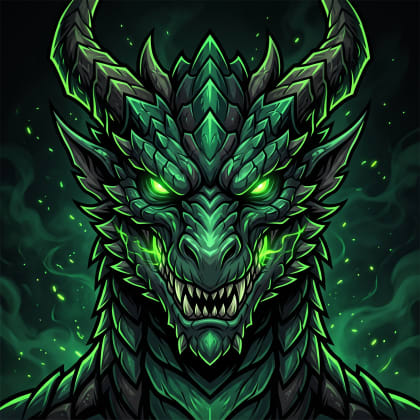
Built with neon green & shadow contrast, the artwork stays readable inside compact mobile lobby thumbnails and WhatsApp group icons. When adding your own guild or creator name in Studio Editor, crisp snow-white lettering with a heavy black outline to stop neon bleed produces the highest legibility without muddying the background glow.
Recommended Placements
- Square 2048x2048 clan DPs for Esports squads, YouTube channels, and Twitch profiles
- Discord role servers and gaming community avatars with circle-safe framing
- High-res sticker decals, mousepads, and esports roster cards (/card)
- Clean watermark-free Transparent PNG cutouts for thumbnail editors and OBS
Recommended Fonts (Russo One) & Transparent PNG Guide
Open Green Smoke Hooded Sniper directly in the browser Studio Editor to replace the blank lower space with your team name using Russo One or Orbitron. Stick to heavy sans strokes with at least 4–6 px dark outline when dropping this crest onto YouTube thumbnails or OBS scenes. Use the secondary line for squad role tags (IGL, SNIPER, RUSHER) or seasonal tournament numbers.
Short 3-to-5 character IGNs work best below the weapon barrel so trigger hand and muzzle glow stay visible. Need a clean cutout for YouTube thumbnails, OBS overlays, or jersey mockups? Toggle the built-in AI Background Remover inside Studio to strip the backdrop in your browser and save a 1080p or 2048x2048 Transparent PNG without uploading files to external servers.
Browse tournament banner specs and competitive roster badge presets in the Esports Team Logo Maker. Also check How to Add Custom Clan Text & Glow Online or pair with our Esports Gamer Card Maker.