Editor Workflow · 4 min read · Updated November 16, 2026
How to Add Your Gamer Name to Any Gaming Logo in 60 Seconds
Step-by-step workflow inside our free browser Editor (/editor): pick a mascot, layer your IGN + clan tag, isolate backgrounds locally, and save clean PNGs.
By TheLogoBase Team · [email protected]
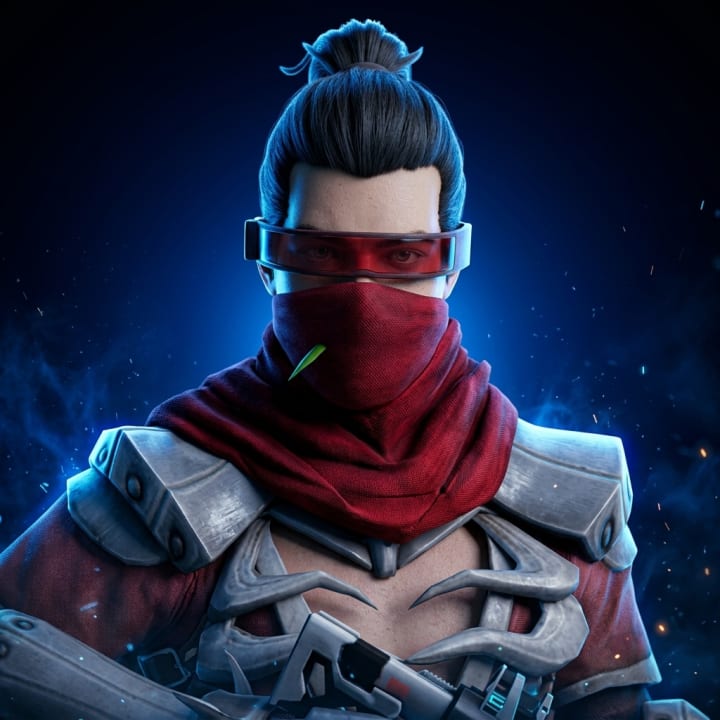
1. Open Any Mascot Straight Inside the Canvas Studio
You do not need to download a file and re-upload it somewhere else. Click Customize on any logo card in the gallery (or click Customize on the cards right next to this guide) to launch that exact mascot directly inside /editor.
Everything renders on local HTML5 Canvas inside your browser. Changes show up immediately, and nothing you type is saved on external servers.
2. Pair One Bold IGN With One Clean Font Style
Type your main gamer name or clan tag first. Stick to uppercase letters if your font uses wide strokes—Russo One, Bebas Neue, Anton, and Orbitron look sharpest with clean capital letters. If you want an ornate samurai or horror look for a YouTube banner, switch to Shojumaru, Pirata One, or Rubik Wet Paint.
Always turn up the outline stroke (dark black or deep navy) behind bright neon text so characters stay readable even when placed over bright fire, armor plates, or glowing eyes.
- Use two text layers when you want both a large clan tag (for example, REAPER) and a small player subtitle (IGL or EST. 2026) underneath.
- Add a single badge icon (Royal Crown, Predator Skull, or Ninja Katana) cleanly centered above or beside your text rather than filling every corner.
3. Isolating Mascots With the In-Browser Background Remover
All gallery originals come on deep dark or atmospheric backgrounds ready for profile avatars. If you want an isolated Transparent PNG cutout inside Studio, click "Remove BG" in /editor. Background extraction runs 100% locally in your browser via WebAssembly—so privacy is complete, and cutout cleanliness depends on subject-edge contrast (sharp-outlined mascots isolate cleanly, whereas heavy smoke or glow blends softly)—then export 1080p or 2K PNG with zero watermarks.
In-Browser Studio Editor Features
| Setting | Recommended | Why It Matters |
|---|---|---|
| Bundled Fonts | 37+ Real Gaming Fonts | Includes Russo One, Bebas Neue, Orbitron, Teko, Shojumaru, Black Ops One. |
| Included Badges | 23 Vector Accents | Royal Crown, Predator Skull, Sniper Crosshair, Spartan Helm, Katana, and more. |
| Background Control | In-Browser AI BG Remover | Runs locally via WebAssembly (no uploads); works sharpest on high-contrast mascots. |
| Export Quality | 1080p (1K) & 2048px (2K) PNG | Supports finished dark canvas or true alpha-channel Transparent PNG. |