Wallpapers · 4 min read · Updated November 16, 2026
4K Mobile Gaming Wallpapers: Aspect Ratios, OLED Contrast & Setup Tips
Stop horizontal screenshots from stretching on your phone, keep your lockscreen clock unobstructed, and get deep blacks on AMOLED displays.
By TheLogoBase Team · [email protected]
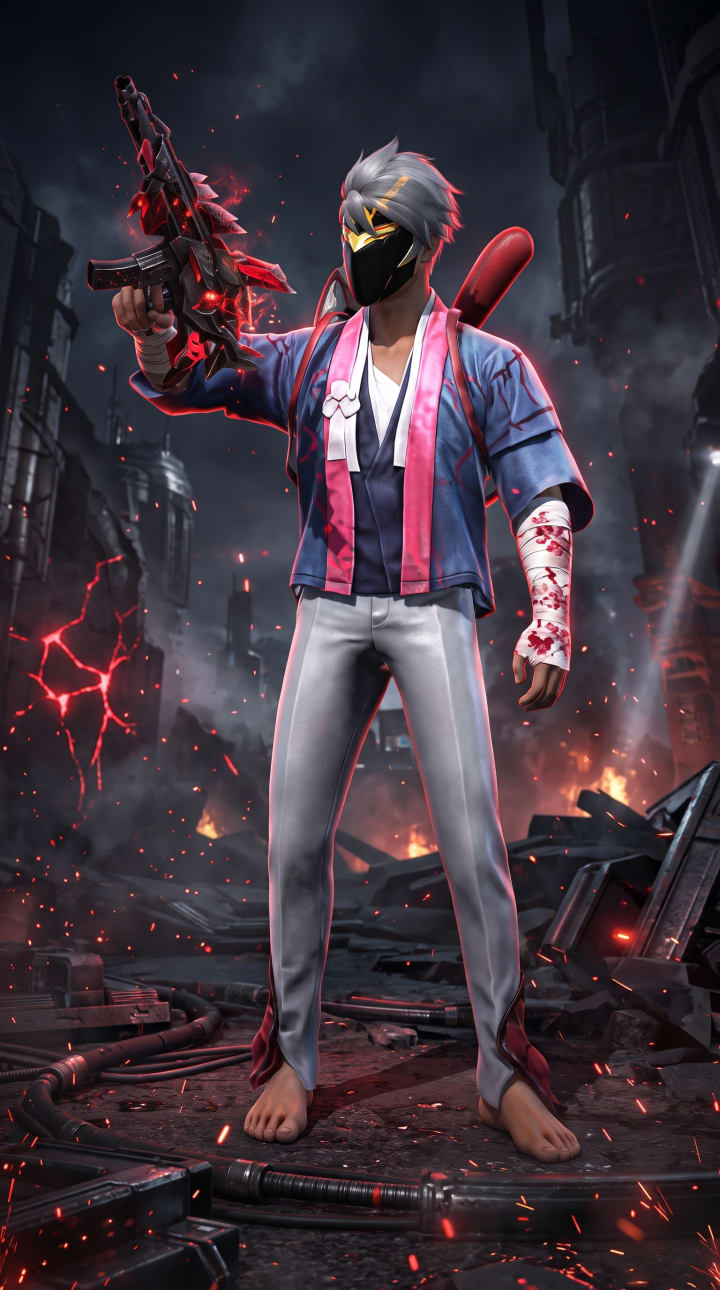
Fixing Lockscreen Clock Overlap on Tall Phone Screens
The biggest mistake when setting a gaming wallpaper is downloading a wide 16:9 desktop image and letting Android or iOS crop the middle. That slices off half the character weapons and pushes faces straight behind the lockscreen clock and date widget.
Our mobile wallpapers are framed vertically in native 9:16 proportions. Toggle the Lockscreen Clock Preview on the vertical 9:16 cards beside this guide to see how the upper headroom clears your time, date, and weather widgets cleanly.
- Pinch slightly outward when your phone shows the Set Wallpaper preview so iOS Depth Effect or Android parallax motion does not zoom in unnecessarily.
- Pick scenes with dark sky, smoke, or clean neon glow across the top 22% for lockscreens where white clock digits sit.
Choosing Clean Dark Scenes for App-Heavy Home Screens
Busy multi-color artwork looks awesome on a clean lockscreen, yet makes app names and notification badges hard to read once unlocked. For your home screen, pair your lockscreen with a darker obsidian or neon-rimmed scene so white app labels stay sharp.
Mobile 4K Wallpaper Framing Specs
| Setting | Recommended | Why It Matters |
|---|---|---|
| Native Aspect Ratio | 9:16 Vertical | Built for modern iPhone and Android screens without wide-screen cropping. |
| Clock Clear Zone | Top 22% Frame | Leaves dark sky or soft atmosphere behind lockscreen time and date. |
| Download Quality | 1536 × 2752 UHD JPG | High-res 9:16 portrait lockscreen masters with zero watermarks. |
| Home Screen Tip | Deep Dark Base | Keeps white icon text readable over game folders and widgets. |